01You run itCreate events, prices, and inventory in the venue admin.

Ticketing software for venues
You put an event on sale. Buyers pay online and get a QR ticket by email. You scan it at the door with a phone. That’s the whole product.
Paid to your Stripe when they buy · Sell on our page or yours
01You run itCreate events, prices, and inventory in the venue admin.

02They buy itThe shop uses your brand. Checkout and payments stay in the system.
Their ticket
Sat, Sep 12 · 8:00 PM
03They get inA QR ticket arrives by email. You scan it on any phone.
The system
Everything that sells a ticket lives in Prime Ticket Sales. Your public site only displays and sells from that source of truth.
One source of truth
Venues, events, inventory, orders, customers, payments, tickets, and the public website all sit in the same system. Change an event and every surface updates — hosted page, your own domain, checkout, and the scanner.
Platform
The product is the system — not a box office counter, not a rented widget. Four surfaces, one backend.

Sell from our hosted page, or from files on your own website. Either way the shop stays on your brand.

Multiple ticket types, promo codes, and a fast checkout. Inventory updates the moment an order lands.

Dashboard, orders, refunds, and reports. See this week’s revenue, tickets sold, and what’s coming next.

Every sale becomes a digital ticket with a QR code. Staff scan it in the venue admin. Duplicates are blocked in real time.
Payouts
Buyers check out in Prime Ticket Sales. The charge is processed with Stripe Connect, and your share is sent to your connected Stripe account on the sale — we don’t sit on the ticket money. Your bank deposit follows the payout settings in your Stripe account.
Where buyers land
Same events. Same checkout. Same tickets. The only choice is which website the buyer opens first.
Option A — our page
primeticketsales.com/tickets/your-venue
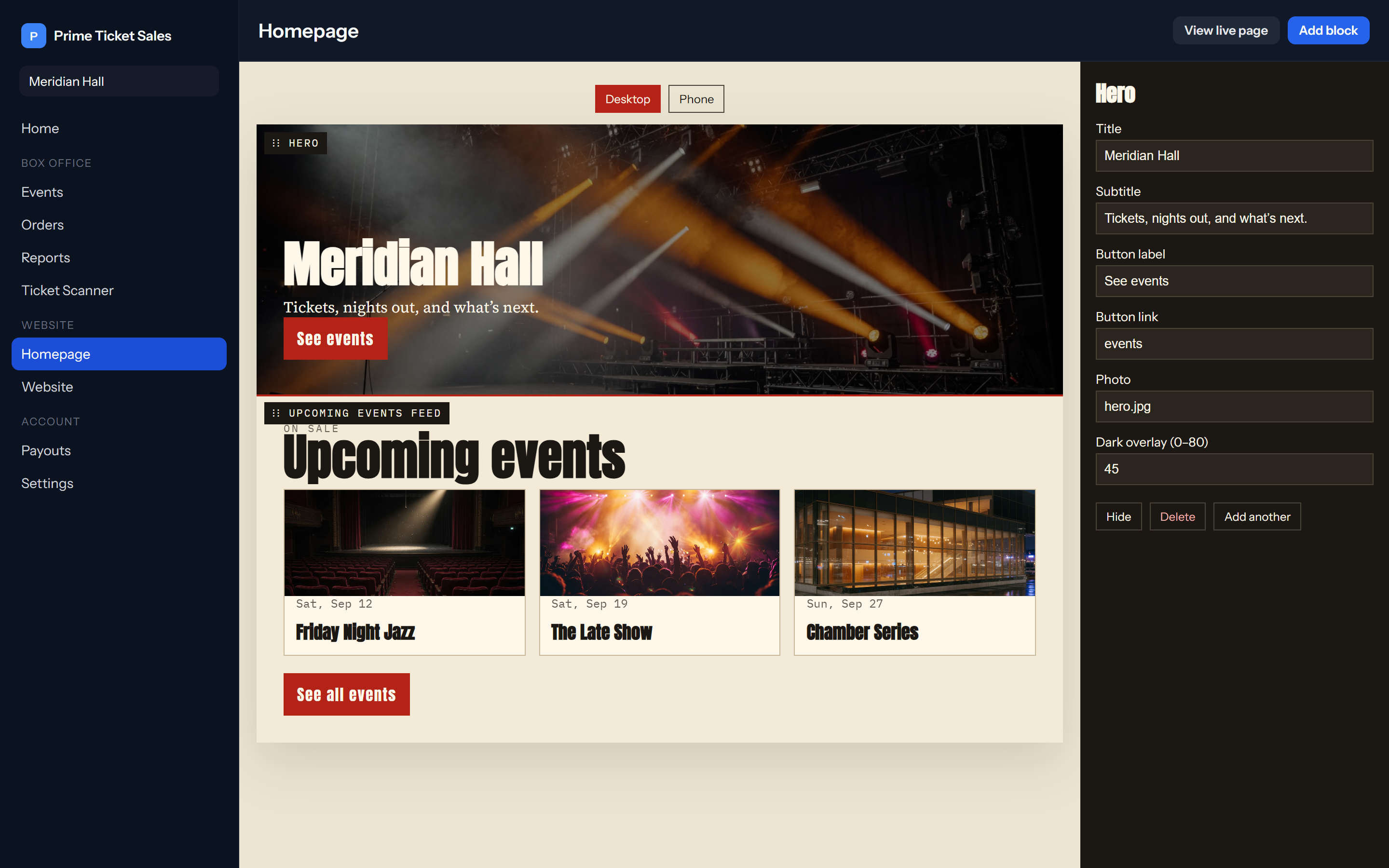
No domain. No files to upload. You build the page in the admin, we put it on the web. Good if you don’t already have a site, or you want to start selling today.
Option B — your website
yourvenue.com
Download the site files and drop them on your host. They see your URL. Events, sold-out states, and branding still update from Prime Ticket Sales — nothing important lives on that host.
Door
The scanner is another screen into the same system. Staff open the venue admin, pick tonight’s event, and scan. Valid, already used, or wrong event — the answer comes from live inventory, not a local device.
How it works
Three steps. The public site, checkout, tickets, and scanner all come from the same venue account.

Create the venue, add branding, and connect Stripe. Pick our hosted shop or files for your own website.

Add events, ticket types, prices, and caps. Arrange the homepage. The storefront shows them immediately.

Buyers check out. QR tickets go out by email. You watch sales on the dashboard and scan at the door.
Architecture
Admin, storefront, and door all read and write the same Prime Ticket Sales backend.
Core
Events, inventory, orders, tickets, fees, Stripe, website config, and reports. Nothing important lives on the public host.
Surface 01
Dashboard, events, homepage builder, orders, reports, Stripe, and the scanner.
Surface 02
Hosted by us or a portable static site on your domain. It only displays what the API serves.
Surface 03
Payment, QR issuance, email delivery, and ticket lookup stay on Prime Ticket Sales.
FAQ
Get on the system
Stand up the venue, publish an event, and start taking digital ticket sales.
Get started